To reset a Bosch dishwasher and cancel whatever cycle is running, open the door slightly, then press and hold the Start button — marked Reset 4 Sec. on some panels — for about four seconds. The dishwasher drains for roughly a minute and shuts down. If the control panel is frozen and ignores the button entirely, cut the power at the circuit breaker instead.
That four-second hold is what bosch-home.com documents for stopping a wash mid-cycle, but it is not the only reset, and the right one depends on what your machine is actually doing. A dishwasher that is running and will not take a command is a different problem from one whose panel has gone dead, and different again from one showing E15.
What a reset actually does on a Bosch dishwasher
A reset on a Bosch dishwasher is a reboot of its electronic control board, the small computer that decides what the machine does next. applianceworldonline.com describes that reboot wiping saved settings along with temporary control glitches. It returns the unit to its default standby state. When you trigger it during a wash, bosch-home.com describes the control board stopping the active cycle. It then immediately engages the drain pump to clear the water left in the tub. So the reset does two things at once: it clears the board, and it empties the tub.
What it cannot do is move anything physical. easybear-appliancerepair.com puts the limit plainly, saying a reset resets software logic and does not clear a drain line clog, unstick a seized pump or repair a failed door latch. If the same fault comes back on the following cycle, that may be a sign to look at the mechanical side rather than to reset a second time.
How to reset a Bosch dishwasher and cancel a running cycle
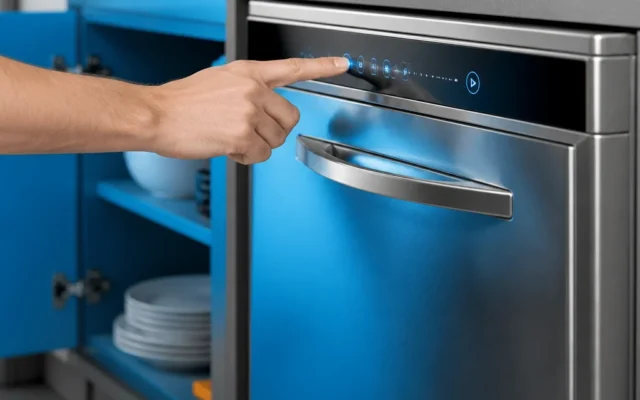
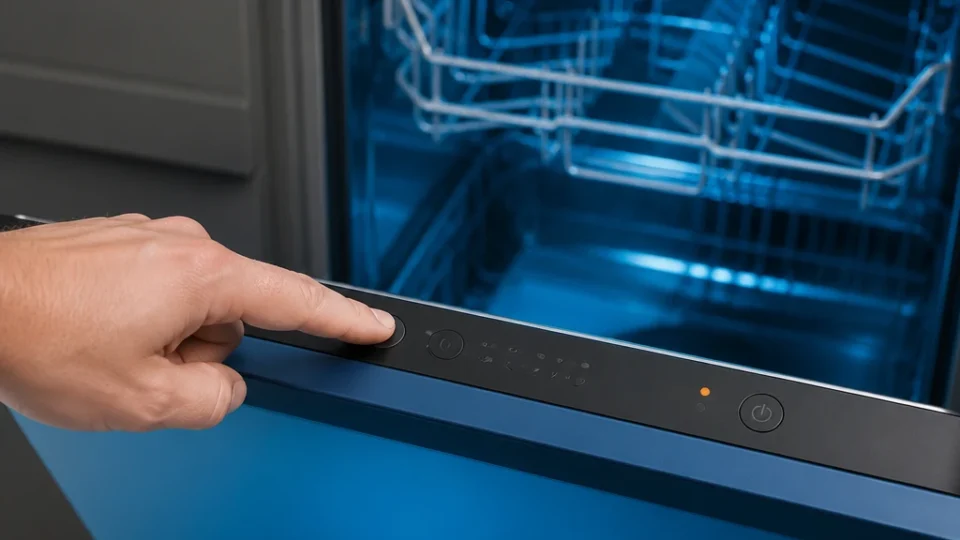
This is the soft reset, and it is the one to use while the machine still has power and the panel still responds. bosch-home.com gives the sequence as opening the door slightly to reach the control panel, then holding the Start or Reset button for 3 to 5 seconds, with approximately 4 seconds as the figure it states for the hold.
- Open the door slightly, far enough to reach the control panel.
- Find the Start button. bosch-home.com names it as the Start or Reset 4 Sec. button, so either marking is the one you want.
- Press and hold it for about four seconds. A tap will not register as a hold.
- Let go, then close the door so the machine can finish on its own.
- Wait for the draining to stop before you open the door again or start a new cycle.
Not every Bosch panel has a single reset button. applianceworldonline.com describes older units and specific series built without a dedicated one, which instead need two designated Cancel and Drain buttons held down together for 3 to 5 seconds. If your panel has neither a Start nor a Reset 4 Sec. button, look up which pair your model uses in its manual before you start holding buttons at random.
What to expect while the dishwasher drains
Immediately after the hold, bosch-home.com describes the internal drain pump powering on to remove the standing water inside the tub. It puts that draining phase at approximately one minute. The noise you hear is the pump doing exactly that. How the panel reports it depends on what your model has to report with: on models with digital displays, applianceworldonline.com says the timer changes to 0:00 or 0:01, while easybear-appliancerepair.com describes fully integrated and light-indicator models showing a status light or changing their indicator lights during the drain. When the sound stops and the panel settles, the soft reset is done.
What to check before you cut the power to the dishwasher
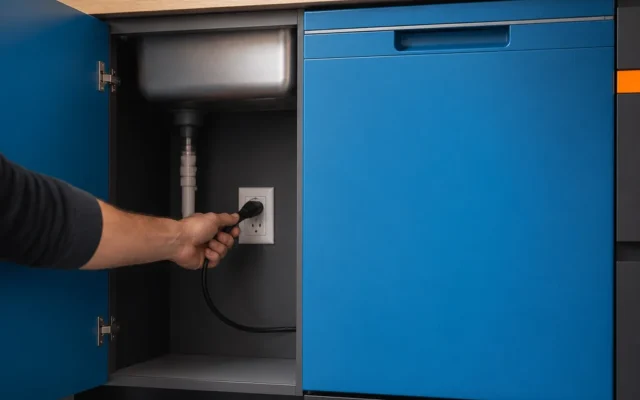
Cutting the power takes the machine off the supply entirely, so spend a minute on it before you flip anything. Find out which breaker feeds the dishwasher. Label it while you are at the panel if it is not already marked. If you would rather unplug the machine, locate the outlet before you start rather than after. Write down any code showing on the display first, because it is what tells a technician where to start and you may not see it again once the board has been cleared. And if the panel still responds at all, use the soft reset above instead: it clears the board and empties the tub without touching the breaker.
How to reset a Bosch dishwasher when the control panel is frozen
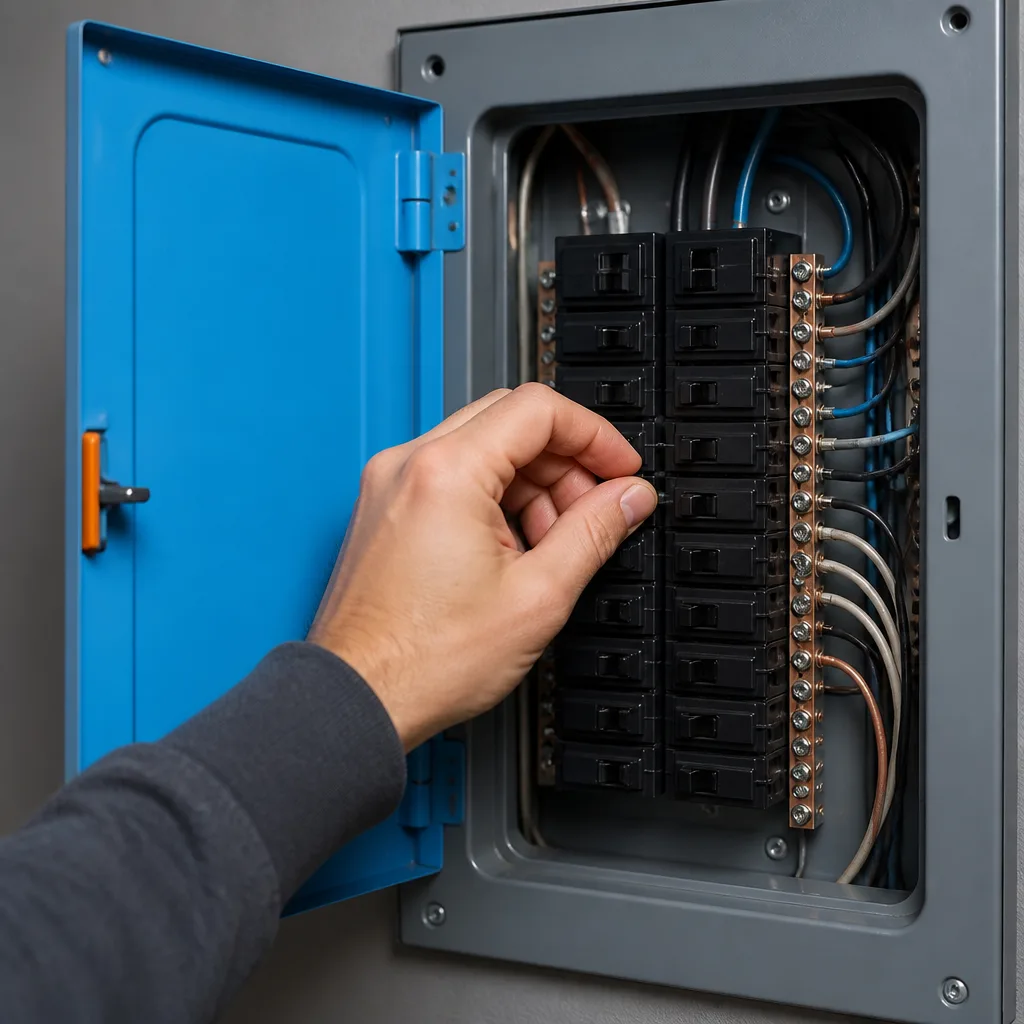
When the buttons do nothing and the display is frozen, the soft reset has nothing to act on, because the panel is the thing you would be pressing. bosch-home.com covers this case directly: for an unresponsive control panel or a main control board relay fault, turn the power off at the home circuit breaker, or unplug the unit, for at least 30 seconds, which clears the board’s memory before power is restored. easybear-appliancerepair.com describes the same move for unresponsive buttons or a frozen display, using either the dedicated circuit breaker or the plug.
How long the power stays off depends on what you are clearing. The 30 seconds bosch-home.com states is for the board’s memory, and it is the figure to follow for the reset itself. ifixit.com specifies a longer window of 1 to 5 minutes for the control board’s capacitors to fully discharge, so use that length when you want the board de-energized rather than simply cleared.
Restore the power and give the panel a moment to come back. If the display lights and the buttons respond, run a short cycle to confirm it holds; if it is still dead with power restored, that is past what a reset can reach.
How to clear an E15 error code on a Bosch dishwasher
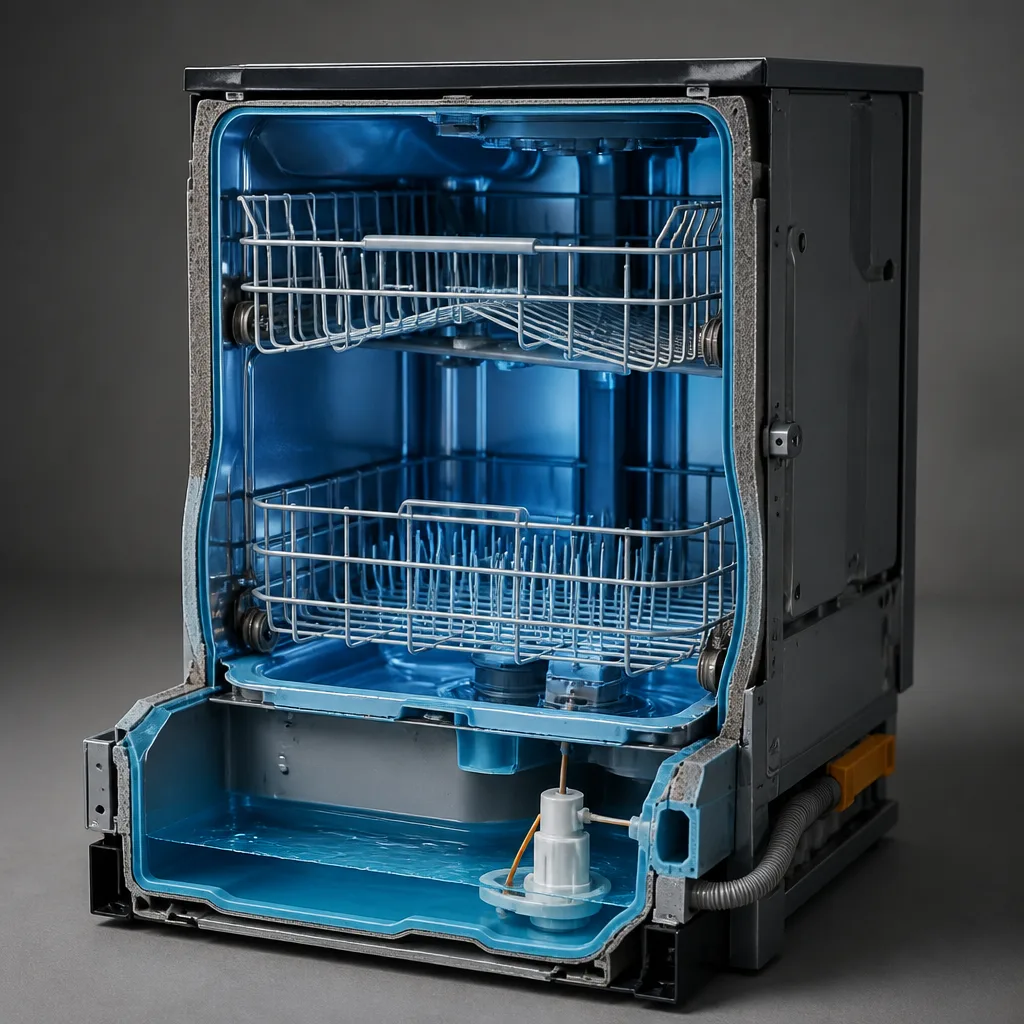
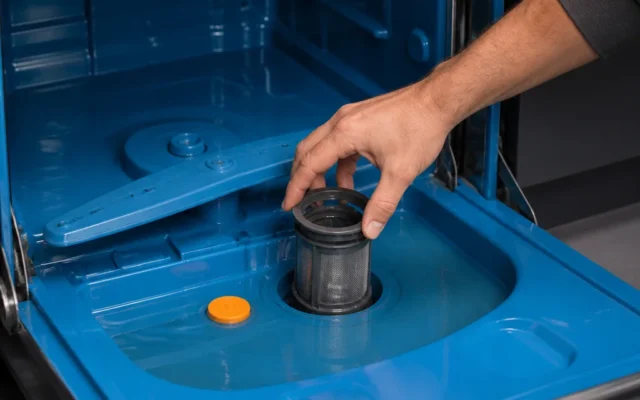
E15 is not a control glitch, and no button sequence will clear it. bosch-home.com defines the code as the internal leak-protection system having activated. Water has collected in the base pan under the tub and raised a styrofoam float disc, which trips a safety switch. While that water is there, the switch stays tripped. The reset bosch-home.com describes has three parts, which are shutting off the power, resolving the leak, and draining or drying the water out of the base pan so the float sensor drops.
Warning: Disconnect power and water first
Shut off the power and the water supply before you remove the toe panel. ifixit.com specifies both, and an E15 means there is standing water sitting inside the machine.
ifixit.com gives the hands-on version of the same job: disconnect the power and the water, remove the lower kickplate or toe panel, and soak up the standing water in the bottom pan until the float switch drops. registerappliance.com describes a second way to empty the pan, tilting the dishwasher backward at a 45-degree angle so the trapped water runs out and the float switch resets. Both finish at the same place, which is a dry pan and a float that has dropped.
Emptying the pan clears the code, but it does not tell you how the water got there, which is why bosch-home.com puts resolving the leak ahead of drying the pan in its own sequence. If E15 comes back after you have dried the pan, water is reaching the pan again, and the code is doing the job it exists to do.
Why your Bosch dishwasher will not reset
If you have held the button and nothing has happened, work through the possibilities before you hold it again. The hold may simply have been too short, since bosch-home.com’s figure runs to 3 to 5 seconds and a tap does not register. Your panel may not have the button the instruction assumes, which is the case applianceworldonline.com describes for older units and series without a dedicated single reset button. Or the panel may not be accepting input at all, which is the frozen-panel case above and needs the breaker rather than a longer press.
If you are going from memory on a different machine, check that brand’s own procedure rather than assuming this one carries over. Resetting a Whirlpool dishwasher and the reset steps for an LG dishwasher are separate routines, and repeating a hold your Bosch panel does not recognize gets you no further.
When a reset is not the fix
One attempt is worth making, and occasionally a second. Past that, the pattern itself is the information: easybear-appliancerepair.com draws the line at software logic, and a clogged drain line, a seized pump and a failed door latch all sit on the far side of that line. A machine that will not drain, will not latch, or shows the same code on every cycle points to something physical rather than a control glitch, and clearing the board again will not move it.
Does resetting a Bosch dishwasher erase its settings?
In the way that matters to you, yes: applianceworldonline.com describes the reboot wiping saved settings along with temporary control glitches and returning the unit to its default standby state. Expect to choose your cycle and any options again rather than to find them waiting where you left them.
Do all Bosch dishwasher series reset the same way?
No. applianceworldonline.com describes older units and specific series without a dedicated single reset button, which need two designated Cancel and Drain buttons held together for 3 to 5 seconds instead. What the panel shows while it drains varies as well, from a timer reading 0:00 or 0:01 on models with digital displays to a status light on fully integrated and light-indicator models. Check your own model’s manual for the buttons it names before you begin.
Will a reset fix a Bosch dishwasher that is not draining?
It can empty the tub, because the soft reset engages the drain pump and bosch-home.com puts that phase at approximately one minute. It will not fix the reason the water was not leaving. easybear-appliancerepair.com states that a reset does not clear physical drain line clogs or unstick a seized pump, so water still standing after the draining phase points to the drain path rather than to the controls.
Pick the reset that matches what your dishwasher is doing right now: the button hold while the panel still answers, the breaker when it does not, and the base pan when the display reads E15. Run a short cycle afterward to confirm it holds. If the same fault returns, write down any code on the display before you book service, because it tells the technician where to start.