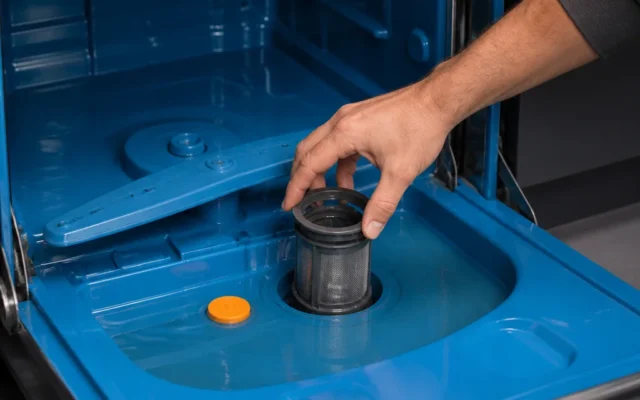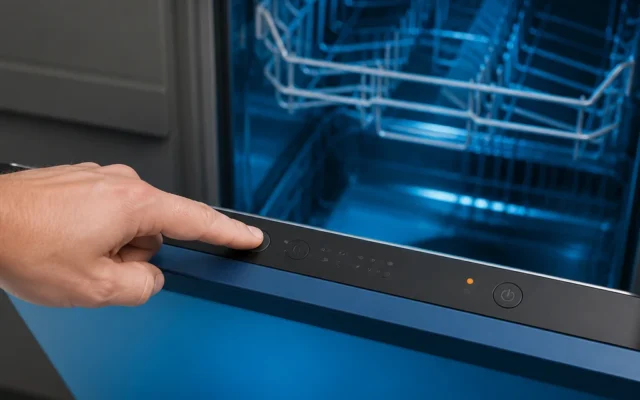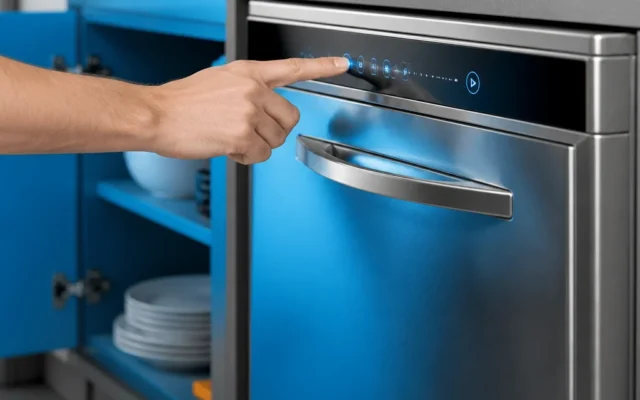
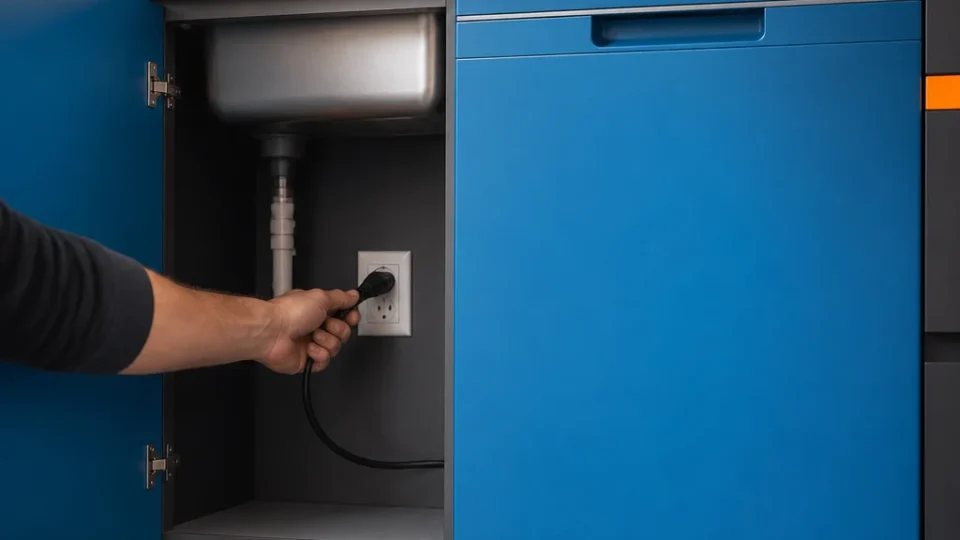
If a cycle is running or stuck, press Cancel or Cancel/Drain and let it drain; otherwise, cut the power at the plug or the circuit breaker for at least one minute, then restore power, close the door, choose a cycle and press Start. That is the procedure producthelp.whirlpool.com gives for clearing transient control errors. If the buttons do nothing and a light flashes three times, Control Lock is on, and turning it off is covered below.
Why a Whirlpool dishwasher needs a reset
A reset, in Whirlpool’s sense, means cutting the dishwasher’s power long enough for its control board to shut down completely and start fresh. Whirlpool’s product help describes it as the way to clear transient electronic glitches: a control panel that stops responding, a cycle that stalls partway through, or indicator lights that begin flashing unexpectedly (producthelp.whirlpool.com). Leaving the power off for at least a minute lets the main control board power down fully and clear the errors it has stored. It is the first thing to try because it costs nothing and needs no tools.
A reset is not a repair. It clears stored errors; it does not mend a part that has failed, and a symptom that returns the moment power is back may be a sign that something else is wrong. If you own more than one brand, resetting an LG dishwasher is covered in its own guide.
How to reset a Whirlpool dishwasher
Whirlpool’s complete control reset runs in a fixed order, and the order matters: the cycle is cancelled and the tub drained before the power comes off (producthelp.whirlpool.com). Each step is explained in more detail after the list.
- If the dishwasher is running or stuck mid-cycle, press the Cancel or Cancel/Drain button and wait for the drain pump to finish draining completely.
- Unplug the dishwasher, or switch off its dedicated circuit breaker, and leave the power off for at least one minute.
- Restore the power, close the door firmly, select a cycle and press Start.
- If the panel lights up but ignores every button, check for Control Lock before you repeat the reset.
Cancel the cycle and let the dishwasher drain
If a cycle is running or has stalled, press the Cancel or Cancel/Drain button before you touch the power. Holding the Cancel/Drain button for 3 seconds cancels the active wash program and runs the drain pump for about 2 minutes to pump the standing water out of the tub (producthelp.whirlpool.com). Let the pump finish on its own before you go to the breaker. If the machine is idle and the tub is empty, there is nothing to cancel and you can start with the power.
Cut the power for at least one minute
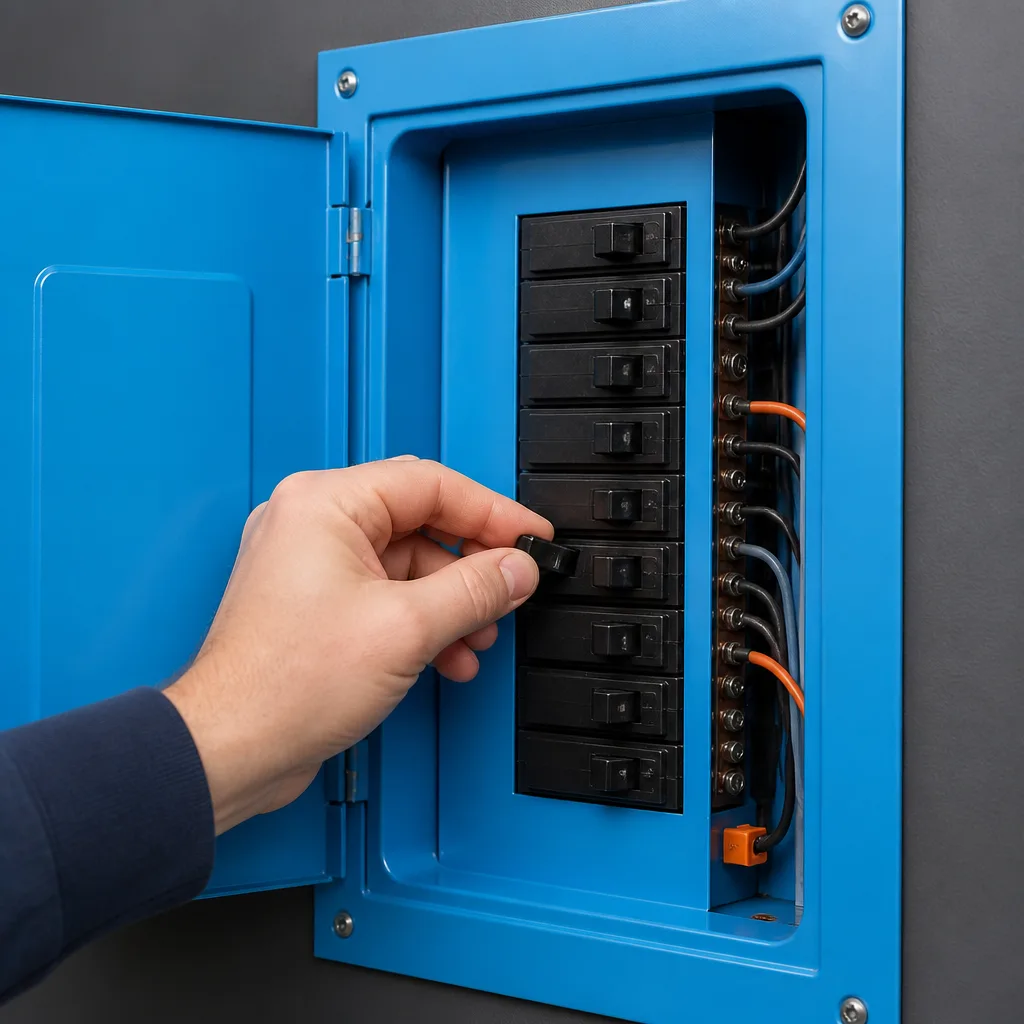
Disconnect the dishwasher from its power in whichever way your installation allows. Pull the plug if you can reach it, or switch off the breaker that serves the dishwasher at your electrical panel; a hardwired machine has no plug, so the breaker is the only option. Leave it off for at least one minute, timed rather than guessed, so the main control board powers down completely. If your breakers are not labeled, find the right one first by watching which switch turns the dishwasher’s panel dark.
Restore power and run a test cycle
Plug the dishwasher back in or switch the breaker on. Close the door firmly, select a cycle and press Start, which is how Whirlpool’s procedure ends. You do not need to load the machine: a short cycle is enough to confirm the panel responds and the cycle runs. If it does, the reset has done its job. If the panel is lit but the buttons do nothing, read the next section before you repeat anything.
Buttons don’t respond or the lights flash three times
A panel that ignores every press is not necessarily broken. Whirlpool’s product help says that if the controls do not respond to touch and an indicator light flashes three times when any button is pressed, the Control Lock feature is engaged (producthelp.whirlpool.com). Control Lock disables all of the keypads until it is unlocked, so a locked machine can look exactly like one with a dead panel. Before you assume the control board has failed, look for the padlock icon or lock indicator on the panel and watch what the lights do when you press a button.
How to turn off Control Lock on a Whirlpool dishwasher
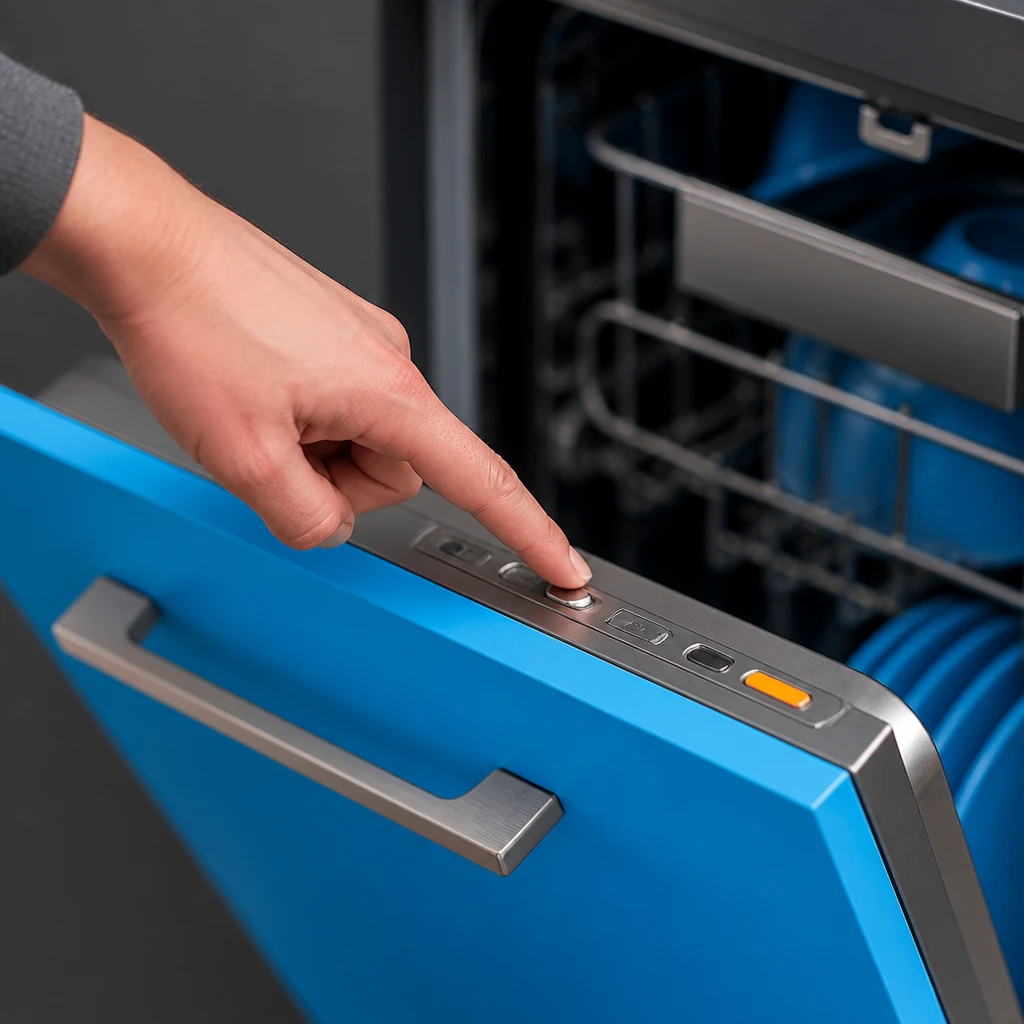
Press and hold the Control Lock button for 3 seconds, until the lock indicator light or padlock icon turns off (producthelp.whirlpool.com). On select models the lock function sits on a different key, such as Heated Dry, and the same 3-second hold applies. Your model’s manual says which key carries it, so check there instead of pressing buttons at random. Once the indicator is off, the keypads respond again and you can select a cycle and press Start.
What to check when the reset doesn’t work
If the dishwasher still does nothing after a full power cycle and the panel is not locked, work through the simple checks below before you call anyone. Each one takes a minute and needs no tools.
- Confirm the power really came back. The breaker should be fully on and not tripped again, and if the dishwasher plugs into an outlet, something else should work in that outlet.
- Close the door firmly and press Start again. A door that is not fully latched may be enough on its own to keep a cycle from starting.
- Watch the lights once more when you press a button. Three flashes on every press points back to Control Lock, whatever the panel otherwise looks like.
- If you did not time the full minute, do the power cycle once more and time it.
A panel that stays completely dark with power confirmed at the breaker, or a fault that comes back the moment power is restored, may be a problem the reset cannot clear. Note what the panel shows and how far a cycle gets before it stops; that is the information a service call will need.
When to stop resetting and call for service
A power cycle is for a transient glitch. If the same symptom returns as soon as power is restored, or you find yourself resetting the machine again and again, repeating the reset is no longer the answer and only puts off the real fix.
If the panel is still dark or locked after the reset, write down the model number from the rating label, using your manual to find where it sits on your machine, and reread the Control Lock section before you book a service call. A locked panel is a feature doing its job, not a fault, and it needs no technician.
Does a Whirlpool dishwasher have a reset button?
The reset Whirlpool documents is a power cycle, not a button: cancel the cycle, cut the power for at least a minute, then restore it. The buttons that do come into it are the Cancel or Cancel/Drain button, which clears the running cycle and drains the tub, and the Control Lock key, which unlocks a panel that has been locked. If your panel has a button you cannot identify, your model’s manual is the place to check what it does.
Will resetting a Whirlpool dishwasher clear an error code?
Whirlpool describes the power cycle as the way to clear transient errors stored by the control board. Try it once, following the steps above. If the code reappears straight away, write it down exactly as it shows, along with what the machine was doing at the time, before you call for service.
Why does my Whirlpool dishwasher keep needing a reset?
The reset is meant for glitches that happen once, so a machine that needs it repeatedly may have a problem the reset does not address. Keep a note of when it happens and what the panel shows each time, and check each time whether the panel is simply locked, since a locked panel looks the same as a stalled one. If the pattern continues, book service and give the technician your notes and the model number.
Last reviewed: 2026-09-16 (revisions: 27)