You press start on your Samsung washing machine, hear a soft click or a quiet hum, but no water flows into the tub. After several minutes of waiting, the cycle stops completely and a two-character code flashes across the digital display. This guide walks you through diagnosing water flow issues on Samsung washers, from basic supply checks to testing internal electrical components with a multimeter.
Understanding Samsung washer water fill error codes
Samsung washers display error codes such as 4C, 4E, 4C1, 1 4C, nF, or nF1 when the main control board detects that water is not reaching the proper level within the expected time frame. A water inlet valve is an electrically controlled mechanical component that opens and closes internal solenoids to let hot and cold water enter the washing machine.
While typical Samsung models operate within a water pressure range between 0.5 bar and 8 bar (approximately 7 to 116 psi), exact pressure requirements vary by model. Operating near the lower end of this range increases fill times and can trigger error codes, making it essential to maintain supply pressure within the recommended range. When pressure drops too low or flow is physically obstructed, the main control board detects that water is not reaching the proper level within the expected time frame and halts operation.
Basic physical checks for water supply issues
If your washer suddenly stops filling during a cycle, evaluate the external water supply setup before taking apart cabinet panels or purchasing replacement parts.
- Verify that both the hot and cold water supply valves behind the machine are turned completely to the open position.
- Inspect the flexible water supply hoses for sharp kinks, flat spots, or signs of freezing in cold weather.
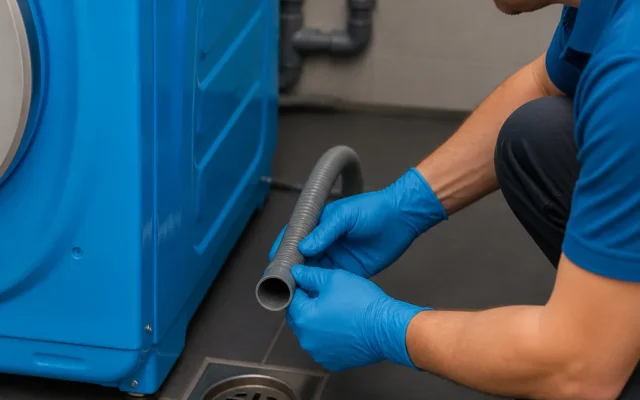
- Check that the drain hose is installed at the correct height, as an improperly positioned drain line allows water to siphon out of the tub as fast as it enters.
Cleaning the water inlet filter screens
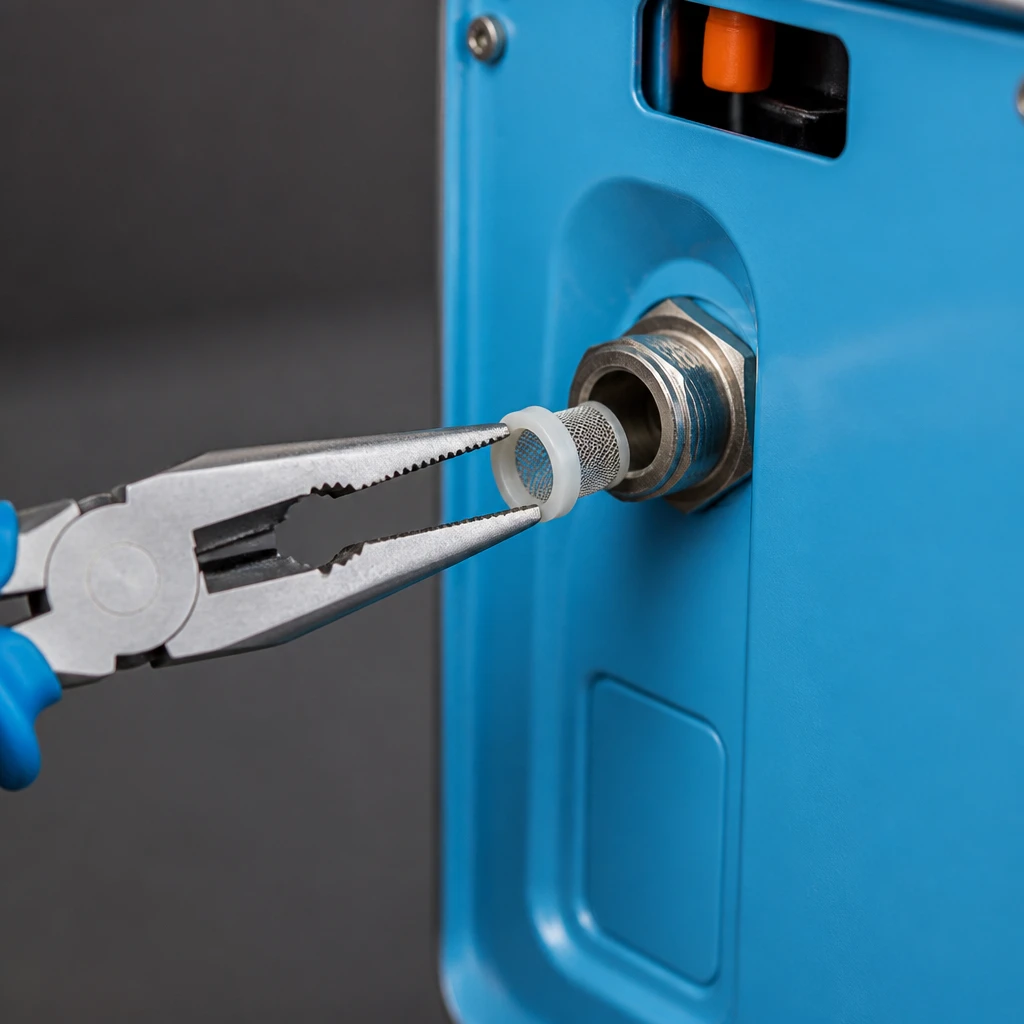
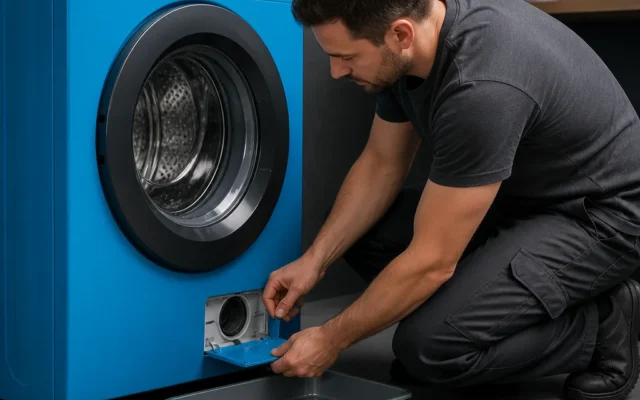
Clogged mesh filter screens on the water inlet valve are a common physical cause of restricted water flow. Over time, sediment and mineral scale accumulate inside the inlet ports, blocking intake.
- Shut off the hot and cold water supply valves connected to the washer.
- Unplug the washing machine power cord from the wall outlet.
- Disconnect the supply hoses from the inlet connections on the rear panel of the machine.
- Inspect the mesh filter screens inside the valve ports for sediment buildup, hairline cracks, or corrosion.
- Use needle-nose pliers to pull out the mesh screens, scrub them thoroughly with a soft brush under running water, and reinsert them.
Testing the water inlet valve with a multimeter
Danger: Electrical Safety Warning
Before touching internal electrical components, complete power disconnection is required. Unplug the washing machine from the wall outlet or switch off the dedicated circuit breaker.
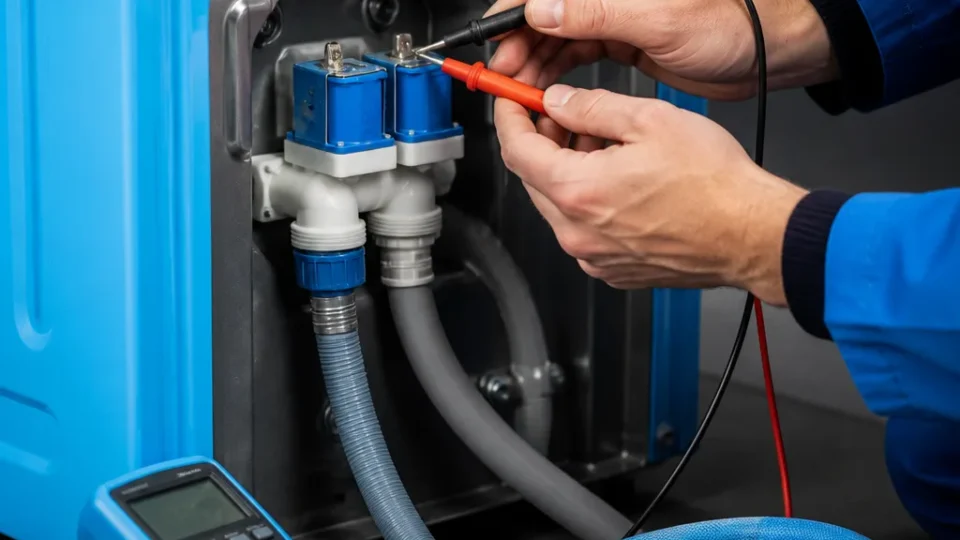
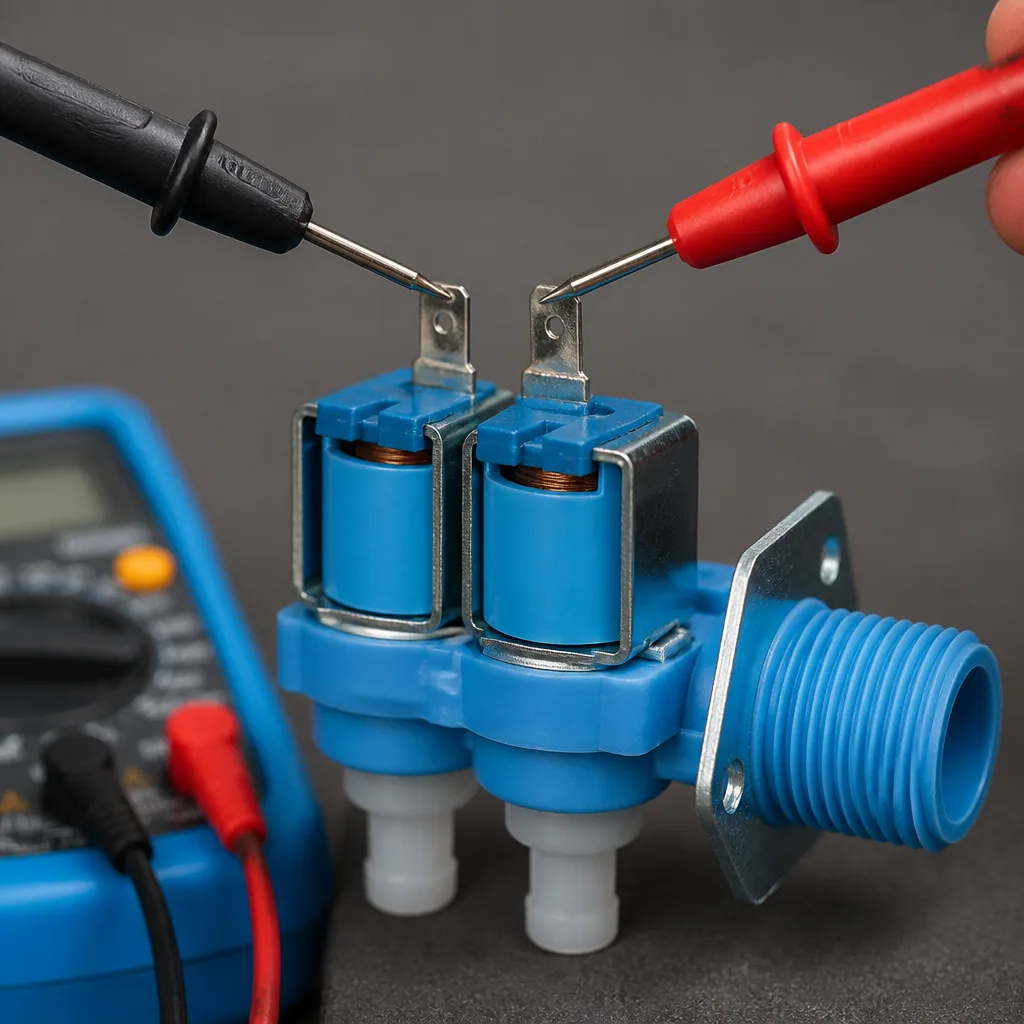
Prior to electrical testing, turn off the water supply and disconnect the wire harness connectors from the valve solenoid terminals by pulling the metal slip-on connector directly, as outlined on fixapplab.com.
- Set your multimeter to the ohms setting (Resistance / R x 1).
- Place one multimeter probe tip onto each metal spade terminal of a single solenoid coil.
- Evaluate the meter display. According to partselect.com, a multimeter resistance reading of infinity (OL) indicates an open circuit and a failed solenoid coil, requiring replacement of the water inlet valve assembly.
When to replace the main control board or call for service
If you have verified adequate home water pressure, cleaned the inlet screens, and confirmed that the valve solenoids pass resistance testing, the main control board may be failing to send voltage to the valve. If physical checks and valve testing do not restore water flow to your washer, contact a qualified technician to inspect the electronic control board and water level sensing system. If your washer also struggles to clear water between cycles, review our guide on troubleshooting Samsung washer draining issues to isolate drainage faults.
Can low home water pressure trigger a fill error on a Samsung washer?
Yes. While exact water pressure requirements vary by model, Samsung washers generally operate best between 0.5 bar and 8 bar (approx. 7 to 116 psi). If operating pressure drops too low, the machine will fail to fill within the expected time window and display an error code.
How do I clear the 4C error code after fixing the water supply issue?
Once you have resolved the water supply restriction or cleaned the mesh filter screens, power off the washing machine and turn it back on, or start a new cycle according to manufacturer instructions. Starting a new cycle signals the main control board to re-check water intake and clears the fault code from the display.