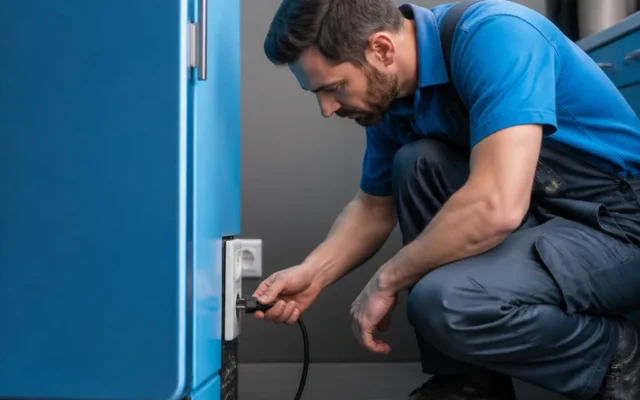
To reset your LG refrigerator after a power outage, unplug it or turn off its dedicated circuit breaker for five minutes, then restore power. A power reset restarts the control board after that pause. If the display reads OFF, the controls are locked, or the interior is still warm, use the matching check below rather than assuming the same reset fixes every symptom.
What should I check when power returns?
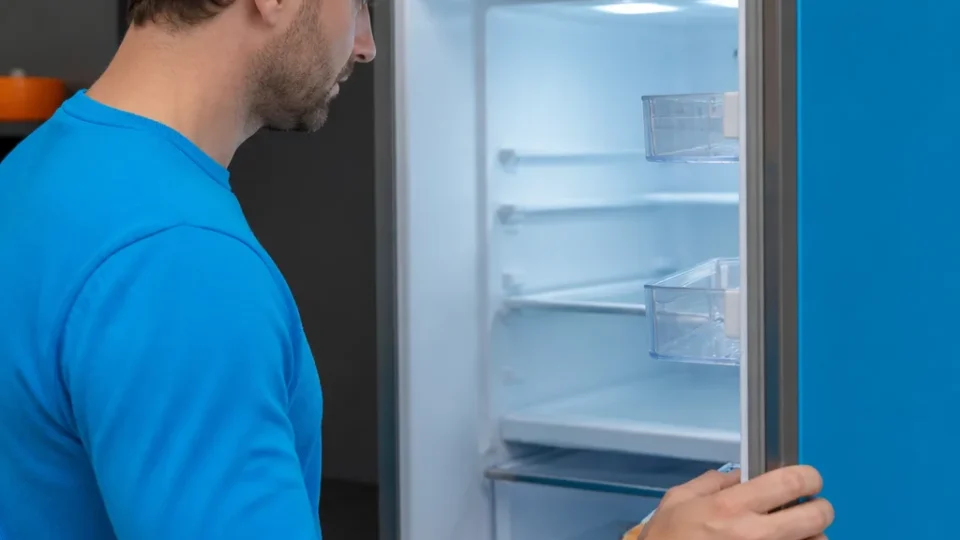
Look at the interior lights and control display, then note the exact message or lack of one. If both are dark, check that household power has returned at the outlet and that the refrigerator’s circuit breaker has not tripped. A completely dark refrigerator can have a supply problem or an internal electrical fault; a lit display with warm compartments presents a different question. The display is the quickest way to choose a path. OFF or O FF points to Cooling Off, also called Demo Mode, while a lit panel that ignores touches may be locked or have a dirty touch surface. Record the model number from the appliance documentation or label so you can check the instructions for your controls.
| What you notice | What to check | Next action |
|---|---|---|
| No lights and no display | Confirm power at the outlet and check the dedicated breaker | If power is available but the appliance stays dark, arrange electrical diagnosis |
| OFF or O FF on the display | Check whether the appliance is in Cooling Off or Demo Mode | Use the model’s mode-exit controls |
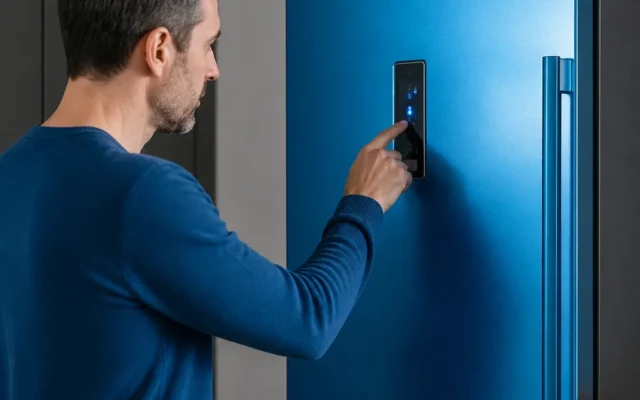
| Display is lit but buttons do not respond | Check Control Lock and the touch surface | Unlock the panel or wipe it dry |
| Display and lights work but compartments are warm | Check whether cooling activity returns after power restoration | Allow 2 to 3 hours for temperatures to move toward the setting (as LG and adriumservice.com state); seek service if compartments remain warm after that window |
How do I reset my LG refrigerator after an outage?
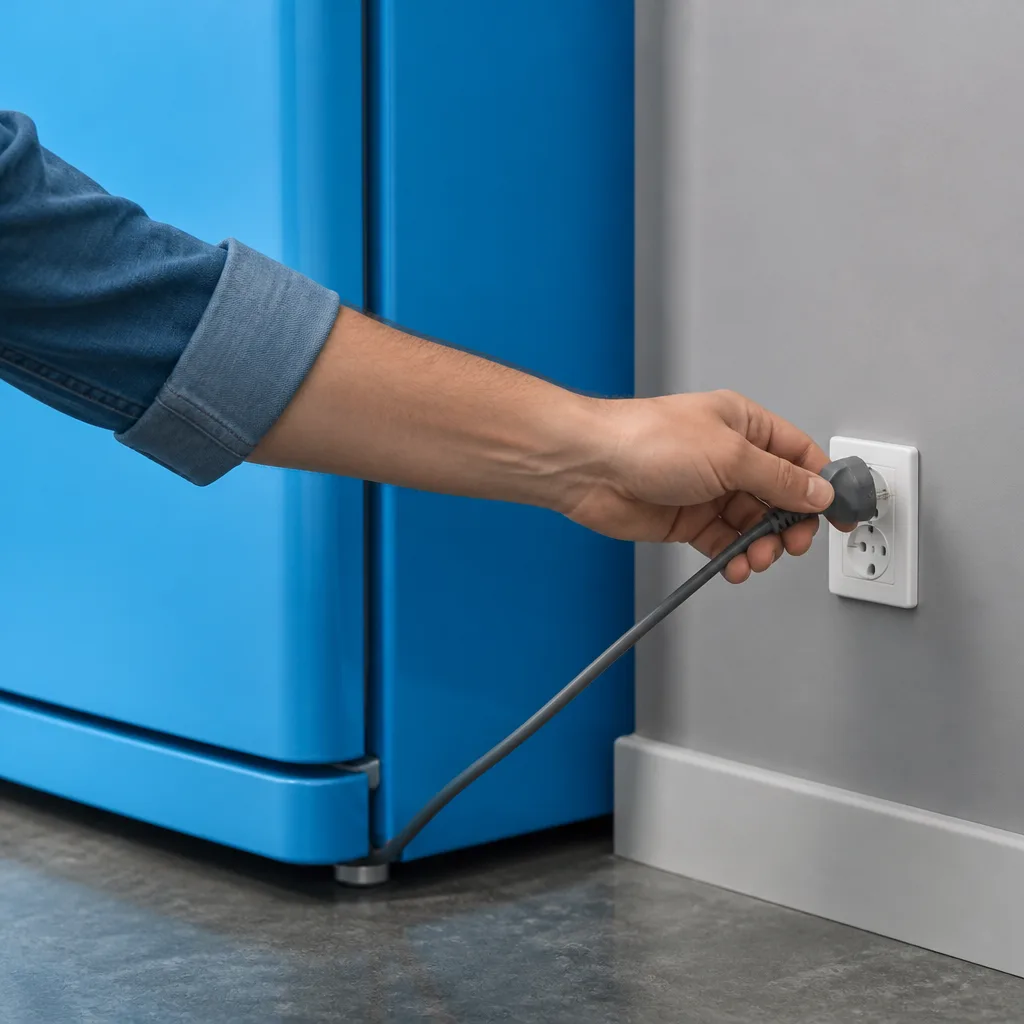
LG guidance describes unplugging the refrigerator or switching off its dedicated circuit breaker for five minutes, then restoring power. The pause allows a temporary control-board error state to clear. If the outlet or plug is not accessible, use the dedicated breaker rather than moving the appliance in a way that strains its cord. A power cycle can clear a transient control problem. It cannot repair damage to the main control board, a power component, or the cooling system. Once power is restored, observe what the display shows and whether the lights respond before deciding what to do next.
There is no single reset button to assume on your model. easybear-appliancerepair.com describes a power-disconnect reset for LG refrigerators and notes that most do not have a universal reset button. If your manual specifies a different procedure, follow the one for your exact model.
What does OFF on the display mean?
OFF or O FF can indicate Cooling Off mode, also called Demo Mode or Showroom Mode. In this mode, lights and display controls may work while cooling components are disabled, according to axisrepair.com. That is why a lit panel does not, by itself, show that the refrigerator is cooling.
LG guidance describes opening the right-side door and holding the Ice Plus and Refrigerator buttons together for 3 to 6 seconds to leave Demo Mode, while easybear-appliancerepair.com specifies keeping the left door closed while the right door is open and holding the buttons for 3 to 5 seconds. Use that combination only if your model has those labeled controls and its manual confirms the mode procedure. Afterward, check whether OFF disappears and whether cooling begins to return.
If the display does not respond to the combination, note the model and current display before contacting LG support. Repeating a button sequence meant for a different control panel will not tell you what is wrong; identify the procedure for your exact model.
Why is the control panel still unresponsive?
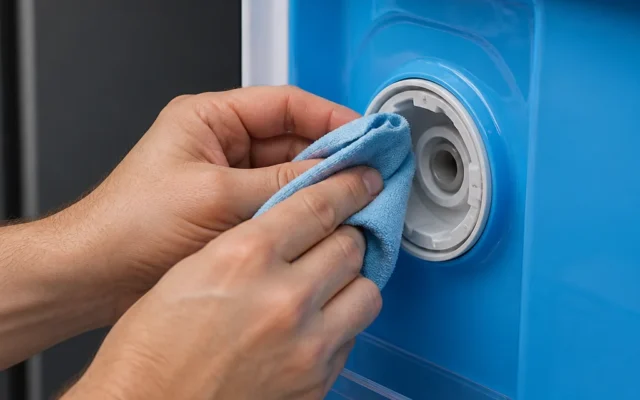
A lit display that ignores touch points you toward Control Lock or a dirty touch surface; a dark display with dark interior lights points you toward the power supply or internal electrical components. If your model has a Lock or Lock/Unlock button, LG guidance says to hold it for three seconds to clear Control Lock. Wipe dirt or moisture from the touch surface with a dry cloth, then try the control again.
If neither the display nor interior lights work, start with the power supply instead. LG’s troubleshooting material notes that a tripped outlet or damage to internal power components after a surge can leave the appliance entirely unresponsive. Once you have confirmed that household power reaches the refrigerator, arrange service for internal electrical diagnosis.
How do I tell whether cooling has resumed?
A restarted display is only one observation. adriumservice.com says some LG linear-compressor models may wait five to ten minutes after power returns before the compressor starts. Listen for the low operating hum it describes and check for air moving through the cabinet vents.
Those signs show activity, but they do not establish that the compartments have reached their target temperatures. Monitor the displayed or measured interior temperature over time to see whether it moves toward your setting. Do not judge cooling only by what the display shows immediately after power returns.
If your model supports LG ThinQ Smart Diagnosis, easybear-appliancerepair.com describes it as another way to check for an active cooling or sensor fault. Use that feature only if it is available for your refrigerator. A clear app result does not replace checking whether the compartments actually cool.
When should I arrange service?
Contact LG support or a qualified appliance technician if the outlet has power but the refrigerator remains dark, if OFF cannot be cleared using your model’s instructions, or if cooling does not return after the relevant checks. Note the model, the display message, whether lights work, and what happened after the power reset. These observations give the technician a starting point for testing the control board, power supply, or cooling system.